Camera Reasoning Versus Image Uploads Explained
Camera reasoning versus image uploads changes how you ask AI for help. Learn when live visual context is better, and when a saved image works best for you.
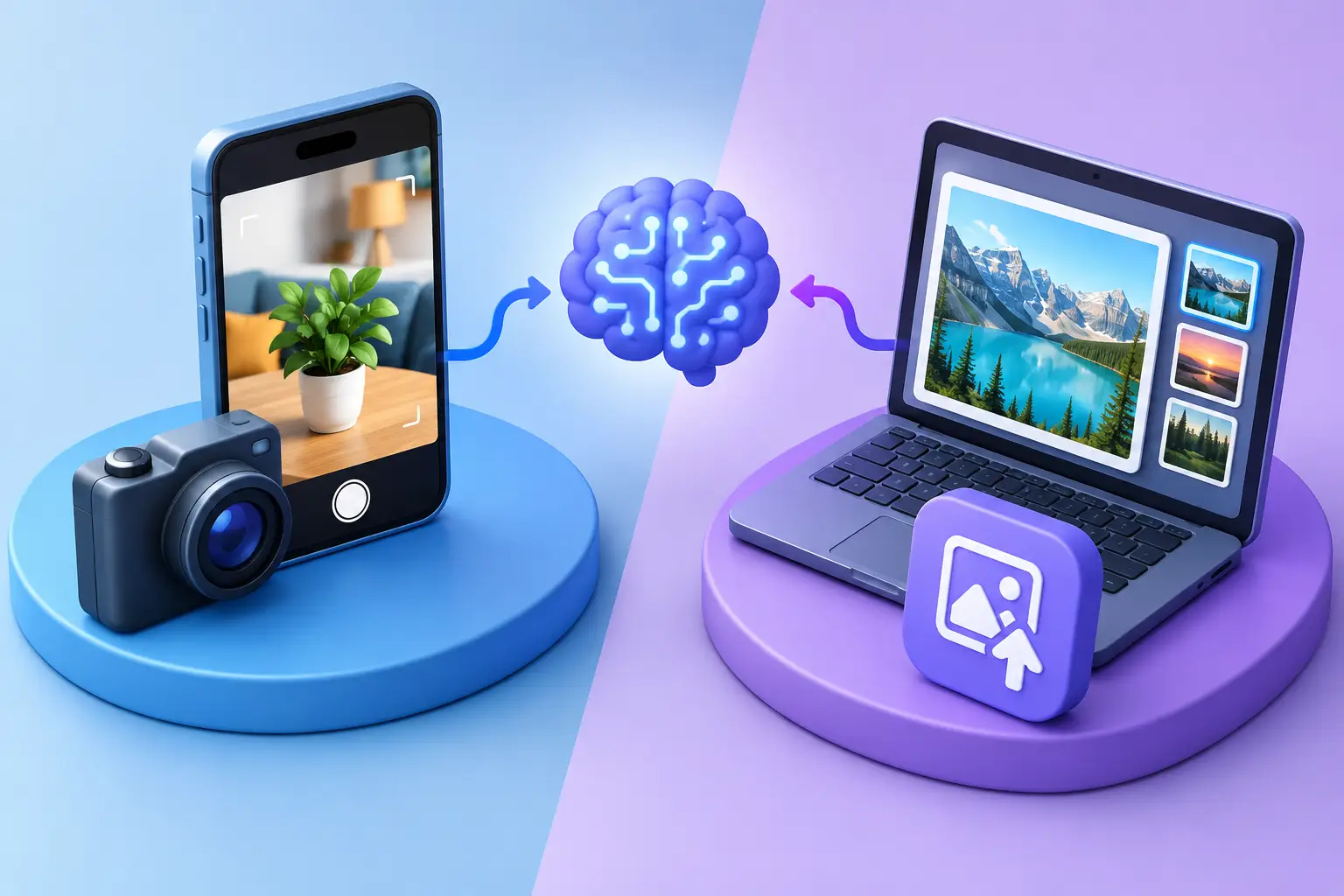
A receipt is on the counter, a confusing setting is open on your laptop, and you need an answer before the moment passes. This is where camera reasoning versus image uploads becomes more than a technical distinction. Both let AI work with visual information, but they create very different kinds of conversations.
An image upload asks AI to inspect a single, chosen file. Camera reasoning lets AI respond to what you are showing in real time, often while you speak, move closer, point to a detail, or change the view. One is built around a snapshot. The other is built around an unfolding situation.
Neither is automatically better. The right choice depends on whether the AI needs a stable record, more context, or the ability to guide you through what happens next.
What Is Camera Reasoning?
Camera reasoning is an AI's ability to interpret a live camera view and respond as the scene changes. Instead of selecting, saving, and sending an image, you can hold up an object, document, screen, or surrounding area and ask a question naturally.
The key difference is not simply that the camera is live. It is the feedback loop. You might ask, “What is this cable for?” The AI can identify the likely connector, then ask you to turn it over, move closer to the label, or show the device it connects to. Each new view helps narrow the answer.
That makes camera reasoning especially useful for physical tasks and uncertain situations. You do not always know which detail matters at the start. A tiny model number, a warning symbol, a button location, or the context around an object may change the advice completely.
Live context changes the quality of the question
With a live camera, people tend to ask questions the way they would ask a helpful person nearby: “Can you tell me which one I need?” or “Where do I tap next?” The interaction is less about preparing the perfect visual prompt and more about showing what is in front of you.
That can reduce friction when you are troubleshooting an appliance, comparing ingredients in a grocery aisle, reading a form, or learning how to use an unfamiliar interface. You can keep the conversation moving instead of stopping to capture and upload another file after every follow-up.
Still, live input has limits. Camera movement, glare, poor focus, and a crowded frame can make visual details harder to interpret. Camera reasoning works best when you can show the relevant area clearly and allow time for follow-up questions.
What Image Uploads Do Best
An image upload gives AI a fixed reference. You choose the file, share it, and ask for analysis. This is often the better approach when the image itself is the subject of the conversation or when you want an answer that remains anchored to the same visual evidence.
A screenshot of an error message, a scanned page from a lease, a product photo, a chart, or a design mockup can all work well as uploads. Because the image is stable, you can revisit specific details over a longer conversation without needing to recreate the scene.
Uploads are also practical when the moment has already passed. A student can share a photo of notes taken earlier. A creator can upload a draft thumbnail for feedback. A professional can provide a screenshot from a previous meeting or an image sent by a colleague.
A saved image offers control and precision
Uploading an image gives you time to crop, select, and review what you are sharing. That is valuable when privacy matters or when the original frame includes irrelevant personal information. A close crop of a form field may be enough to explain what it means without sharing the entire document.
It can also improve accuracy for fine details. If you need help reading a serial number or comparing small text in a chart, a high-resolution, well-lit image may be easier to analyze than a moving camera feed.
The trade-off is that uploads can be less conversational. If the first image does not contain the relevant information, you may need to take another photo, find another screenshot, and send it separately. That is a small inconvenience for planned analysis, but it can interrupt a hands-on task.
Camera Reasoning Versus Image Uploads in Everyday Use
The simplest way to choose is to ask whether you need AI to analyze a record or participate in a moment.
Choose live camera reasoning when the answer depends on exploration. Imagine assembling furniture and reaching a step that does not match the parts in front of you. A single photo may show the confusing bracket, but a live conversation lets you show the instruction page, the matching holes, and the next step as you work. The AI can respond to the context you reveal.
Use an image upload when you need close review of something already captured. If you are asking for feedback on a presentation slide, a screenshot preserves the exact layout, text, and visual hierarchy. You can return to it later and discuss revisions without re-framing anything.
There is also a middle ground. You may use a camera to identify what deserves attention, then upload a sharper photo for careful analysis. For example, live guidance might help you locate an equipment label, while a still image of that label makes it easier to discuss the specifications precisely.
How Voice Makes Live Visual Help Feel Natural
Camera reasoning becomes more useful when paired with voice. Your hands may be busy cooking, repairing something, sorting paperwork, or walking through a new space. Typing detailed instructions while holding an object or pointing a camera can be awkward.
Voice lets you clarify quickly: “I meant the button on the left,” “Can you read the smaller line?” or “What should I check next?” The AI can answer in the same conversational rhythm. Rather than treating visual analysis as a one-time request, it becomes a guided exchange.
This does not mean every situation needs a live camera. A carefully phrased text prompt and a clear upload are often enough. But when the task is physical, time-sensitive, or difficult to describe, the ability to show and tell at once can make AI feel more present and useful.
Context Matters More Than Convenience
The deeper distinction between camera reasoning and image uploads is context. An uploaded image contains what you decided to include. A live camera can reveal context gradually through conversation.
That additional context can improve practical guidance, but it should not be mistaken for certainty. Visual AI can misread text, fail to notice an important detail, or make an incorrect inference about an object or setting. For medical concerns, safety-critical repairs, legal documents, or financial decisions, use AI as a starting point for understanding, not as the only authority.
It also helps to state your goal. Instead of asking, “What is this?” try, “Is this safe to use?” “Which setting should I choose for this fabric?” or “Can you explain this section in plain language?” Clear intent helps the AI focus on the kind of answer you actually need.
Privacy Is Part of the Decision
Visual assistance is most helpful when you remain in control of what you share. Before turning on a camera or uploading an image, check for personal addresses, account numbers, faces, private messages, medical information, or confidential work material.
Live camera use can expose more than you intend if the frame includes a room, a screen, or people nearby. Uploads let you review and crop an image first, which may make them the better option for sensitive materials. On the other hand, live camera reasoning may prevent you from creating and storing extra photos on your device for a quick, simple question.
The best AI experiences should make these choices clear. Visionika supports multimodal conversations while giving users control over their stored conversation history, including the ability to manage or delete it. That control matters because natural interaction should not require giving up thoughtful boundaries.
Make Either Method Work Better
Whether you use a camera or an upload, a few habits improve the result. Keep the relevant subject well lit, hold the camera steady when text or tiny details matter, and avoid asking AI to infer what it cannot see. If there is an important label, error message, or instruction, show it directly.
For uploads, use the highest-quality original available and crop out distractions when appropriate. For live camera reasoning, begin with a wider view, then move closer when asked. This gives the AI a sense of the overall setting before it examines the detail.
Most of all, treat the first response as part of a conversation. Ask for clarification, challenge an assumption, or show a different angle. The value is not only in receiving an answer quickly. It is in having a flexible way to understand what is in front of you, one useful question at a time.