Visual Assistants Compared With Chatbots
Visual assistants compared with chatbots bring cameras, voice, and context to AI. Learn when each approach fits the question in front of you right now.
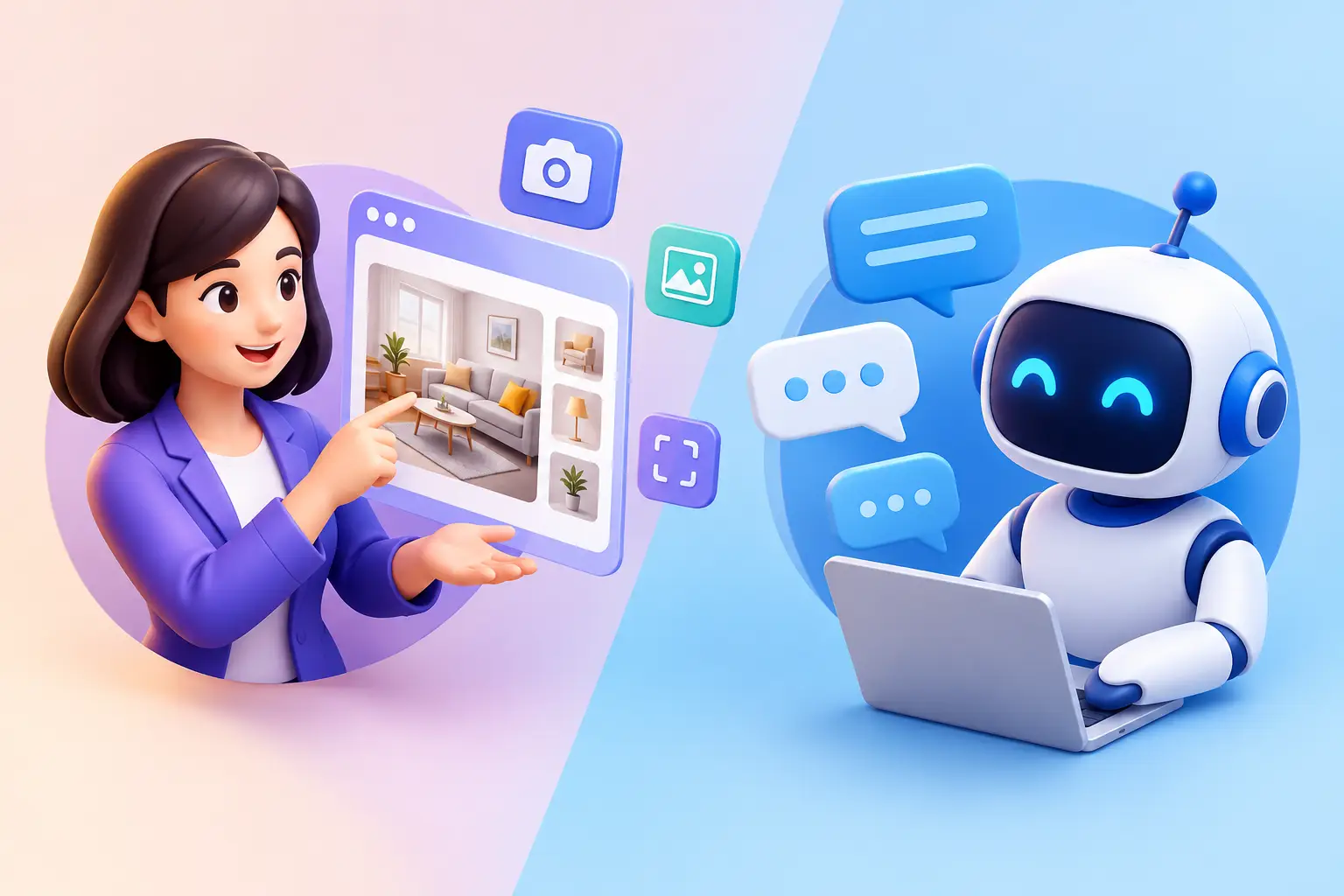
A chatbot can explain how to read a utility bill. A visual assistant can look at the bill with you, point out the relevant line items, and answer the follow-up question you ask out loud. That difference captures the real value of visual assistants compared with chatbots: not a replacement for text, but a more natural way to bring the context of a real situation into the conversation.
Chatbots remain remarkably useful. They are fast, familiar, and well suited to questions that begin and end in language. But many everyday questions start with something a person is looking at: an unfamiliar control panel, a document, a recipe label, a software interface, a broken appliance, or a view from a window. In those moments, describing every detail in a text box can be the hardest part of getting help.
What Is a Chatbot?
A chatbot is a conversational AI designed primarily around written prompts, though many now accept voice input and files. You ask a question, provide relevant details in words, and receive a response in text or speech.
This model works well because language is flexible. A student can ask for help outlining an essay. A developer can paste an error message. A traveler can request a packing list for a particular climate. For tasks where the necessary context can be stated clearly, a chatbot is often the quickest path to an answer.
The limitation is not that chatbots cannot reason about images or files. Many can. It is that the interaction still tends to be prompt-first. The person must decide what matters, capture it, upload it, and explain what they want from it. That is manageable for a focused task, but less comfortable when the situation is unfolding around them.
What Makes a Visual Assistant Different?
A visual assistant can use camera input, images, screenshots, documents, and often voice conversation as part of the exchange. Instead of translating a scene into a detailed written description, you can show the AI what you mean and ask a direct question.
For example, rather than typing, “I have a stainless steel coffee machine with two flashing lights on the left and a small symbol that looks like a droplet,” you might show it to a visual assistant and ask, “What does this light mean?” The assistant has more of the original context to work from.
Visual interaction is most useful when details are difficult to name. Colors, spatial relationships, button labels, layouts, handwriting, packaging, charts, and objects can all matter. A visual assistant can also support an ongoing exchange: “Which part are you referring to?” “This one?” “Yes, what should I do next?”
The best visual assistants do not treat the camera as a one-time upload tool. They make seeing, speaking, and typing interchangeable ways to continue the same conversation. You can start with a photo, ask a spoken follow-up while your hands are busy, and later return to the subject from another device.
Visual Assistants Compared With Chatbots: The Practical Difference
The clearest distinction is the source of context. Chatbots depend heavily on what you tell them. Visual assistants can also use what you show them.
That changes the shape of the interaction. With a chatbot, you may spend several messages establishing the basics: what object you have, which option is selected, where an error appears, and what text is visible on screen. With a visual assistant, much of that grounding can happen through a live camera view, photo, screenshot, or document.
This does not mean visual input always produces a better answer. A blurry image, poor lighting, missing page, or limited camera angle can create its own ambiguity. A visual assistant may identify visible features but still need a model number, a closer image, or additional context. It should be clear about uncertainty rather than presenting a guess as fact.
There is also a difference between visual understanding and physical expertise. An assistant may help identify a component or explain what a warning label says, but it cannot inspect hidden damage or replace professional advice. For medical symptoms, legal matters, safety-critical repairs, and emergencies, visual AI can help organize questions, but it should not be the only basis for a decision.
Where Text-First Chatbots Still Shine
Text is often the better interface when privacy, precision, or concentration matters most. If you are drafting a sensitive email, comparing contract clauses, brainstorming names, planning a budget, or working through a technical concept, a typed conversation can be quiet and efficient.
Chatbots are also a strong fit when you already have structured information. A clean list of requirements, a code snippet, or a well-defined question does not need a camera. Adding visual input would create extra friction without adding useful evidence.
Some people simply prefer typing because it gives them time to organize their thoughts. Others use text in public spaces where voice would be intrusive. A useful AI experience should respect that preference rather than assume that more modes are always better.
Where Visual Assistance Feels More Natural
Visual assistance becomes especially valuable when the question is anchored in the physical or digital world in front of you. A student can show a graph and ask where their calculation went wrong. A creator can share a design draft and ask whether the hierarchy is clear. A professional can display a spreadsheet or dashboard and ask what pattern stands out.
At home, the use cases are often simpler and more immediate. You may want help reading a care label, understanding a letter, sorting cables, identifying an ingredient, or finding the setting that changed on an interface. The question is not abstract. It is, “What am I looking at, and what should I do next?”
Voice makes these moments even more comfortable. When you are cooking, holding a document, or troubleshooting a device, speaking a question can be easier than putting everything down to type. Natural voice conversation also helps the exchange feel less like operating a search form and more like asking for practical help.
Context and Memory Change the Experience
A single image analysis can be useful, but continuity is what turns a capable tool into a companion-like assistant. If you have to re-explain your goal every time you return, the interaction remains transactional. Contextual memory can help an assistant remember relevant preferences, ongoing projects, or the thread of a previous discussion.
That continuity should always come with user control. Memory is personal by nature, and people should be able to see, manage, and delete stored conversation history. The right level of memory also depends on the task. Remembering that you are learning a language may be helpful. Retaining a sensitive document discussion without clear controls may not be.
Privacy matters even more when an assistant can see and hear. Before sharing a camera view, consider what is in the background: addresses, financial information, children, private messages, or other people who have not agreed to be recorded. Good habits include showing only the relevant area and reviewing what you share. Technology should make assistance more present without making users feel less in control.
Choosing the Right Interaction for the Moment
The choice is less about declaring one category superior and more about reducing friction. Use a chatbot when words fully capture the task. Use visual input when the thing you need help with is easier to show than describe. Use voice when your hands, attention, or environment make typing inconvenient.
A multimodal assistant brings those choices together. With Visionika, a conversation can move between live camera input, voice, text, and images without forcing you to start over each time. That flexibility is useful because real questions rarely arrive in one neat format.
The most helpful AI is not the one that asks you to adapt to its preferred interface. It is the one that lets you begin with what you have: a question, a screen, a document, an object, or a moment worth understanding.