AI Voice Accessibility Guide for Everyday Use
This AI voice accessibility guide explains how speech-based tools support independence, privacy, and better everyday digital experiences for more people.
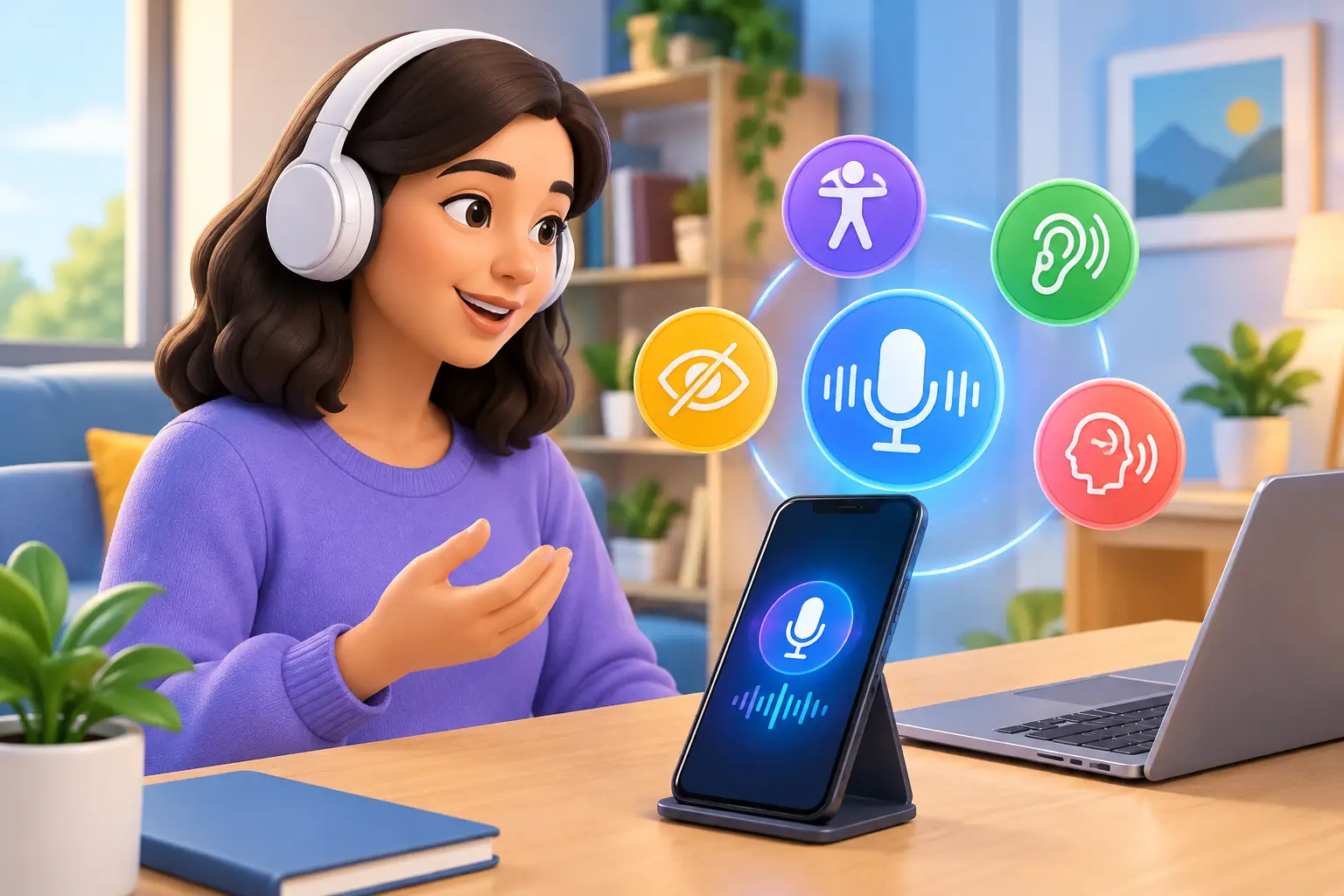
A missed button, a dense form, a screen that is hard to read in bright light, or hands occupied with a child, tool, or meal can turn a simple digital task into an unnecessary obstacle. Voice interaction changes that equation. When it is designed well, AI can let people ask, clarify, dictate, navigate, and act using the most natural interface they already have: conversation.
This AI voice accessibility guide explains where voice-based AI is genuinely useful, what it cannot solve on its own, and how to use it in a way that preserves choice, privacy, and control.
Why AI voice accessibility matters
Accessibility is often discussed as a feature set. In real life, it is about whether someone can participate without having to work around a system that was not designed for them. For people who are blind or have low vision, have limited mobility, experience fatigue or chronic pain, are neurodivergent, have dyslexia, or temporarily cannot use a keyboard, speech can reduce friction at the exact moment it appears.
AI adds a conversational layer to traditional voice controls. Rather than memorizing a fixed command, a person can say what they are trying to do: “Read this message aloud and tell me whether it needs a reply,” or “Help me understand this error on my screen.” The distinction matters. Intent is often easier to express than a precise sequence of taps and menus.
Voice also helps in situations that are not usually labeled accessibility needs. A student may want to talk through a complicated reading assignment. A professional may need to capture an idea while walking between meetings. Someone recovering from an injury may rely on dictation for a few weeks. Accessible design improves flexibility for all of these moments.
What voice AI can help with
The most helpful tools support a complete task, not just a spoken command. That may include listening, responding clearly, remembering relevant context, and switching to text or visuals when voice is not the best fit.
Reading, summarizing, and explaining information
A voice AI assistant can read content aloud, summarize a long document, define unfamiliar language, or restate a confusing passage in simpler terms. This can support people with visual, reading, cognitive, or attention-related access needs without treating them as a single group with identical preferences.
The quality of the explanation matters as much as the summary. A useful system should let the user ask follow-up questions, request examples, or say, “Explain that more slowly.” It should not assume that a shorter answer is always a more accessible one.
Dictation and message creation
Speech-to-text can make emails, notes, search queries, and forms easier to complete. AI can also help organize a rough spoken draft into a clearer message while preserving the person’s meaning and voice.
There is a trade-off here. Automatic rewriting can accidentally make a message sound more formal, more certain, or less personal than intended. Review controls are essential, especially for work communications, health information, legal matters, or anything being sent to another person.
Understanding surroundings and screens
Multimodal AI can be especially valuable when voice is paired with visual context. A user might show an assistant a printed notice, a product label, a confusing app screen, or an unfamiliar object and ask a direct question about it.
For example, instead of describing a settings page from memory, a person can ask what options are visible and where to look next. That does not replace accessibility features built into apps, such as properly labeled controls and keyboard navigation. It can, however, provide practical assistance when a screen is poorly designed or a real-world item needs quick interpretation.
Planning and step-by-step support
Voice conversation can break a task into manageable steps: preparing for an appointment, following a recipe, organizing a travel plan, or troubleshooting a device. The best approach is collaborative. Users should be able to pause, ask for one step at a time, repeat an instruction, or change direction without starting over.
This kind of support can be useful for executive function and memory, but it should not become controlling. A helpful assistant offers options and reminders. It does not pressure a person into a pace or method that does not work for them.
AI voice accessibility guide: choosing the right setup
There is no universal “best” voice experience. The right setup depends on speech patterns, hearing preferences, environment, language, device, and the task at hand.
Start with recognition. Does the tool understand your voice, accent, pronunciation, and preferred language consistently enough to be useful? Speech recognition can struggle with background noise, atypical speech, speech affected by disability, and code-switching between languages. A system that works beautifully in a quiet demonstration may be frustrating on public transit or in a busy household.
Then consider output. Some people want a natural spoken response; others prefer text they can scan, enlarge, or review later. Captions, transcripts, playback speed controls, and the ability to move between voice and text are not secondary conveniences. They create alternatives when hearing, speaking, or concentrating is difficult in a particular moment.
Finally, look at context. A voice assistant that can retain relevant details across a conversation can save users from repeating themselves. But memory should remain visible and manageable. People need to know what is being retained, be able to correct it, and have a straightforward way to delete it.
Design principles that make voice tools more accessible
Whether you are choosing a tool or building one, accessible voice AI benefits from a few practical principles:
- Offer more than one way to interact, including voice, text, touch, and visual input.
- Let users interrupt, correct, repeat, slow down, or ask for a different explanation.
- Make transcripts and captions easy to find and useful after the conversation ends.
- Avoid requiring exact phrasing or forcing users through long spoken menus.
- Explain when the system is uncertain rather than presenting a guess as fact.
- Give people meaningful controls over saved conversations, recordings, and memory.
These details are not decorative. They recognize that access changes by person and by situation. Someone may use voice at home, text in public, and visual input when showing an object or document. Flexibility is the feature.
Privacy deserves a voice in the decision
Voice can contain highly personal information: health concerns, home addresses, family conversations, financial questions, and emotional moments. Before using any voice AI tool regularly, understand whether audio is stored, whether transcripts are retained, how long data is kept, and what controls are available.
Privacy is also an accessibility issue. A person may avoid a useful tool if they do not feel safe speaking around others or do not understand what happens to their information. Good products make those choices clear in plain language, not buried behind vague settings.
A practical habit is to match the tool to the sensitivity of the task. Use voice for low-risk reminders or explanations when it is convenient. For confidential information, consider your environment, review the privacy controls, and use text or another method if speaking aloud is not appropriate.
Where AI voice assistance still falls short
AI can mishear words, miss visual details, produce an inaccurate summary, or give instructions that do not fit a person’s actual situation. That is particularly consequential when the topic involves medication, safety, finances, legal decisions, or urgent care. Treat an AI response as assistance, not as a final authority in high-stakes situations.
It is also worth resisting the idea that voice should replace established accessibility technology. Screen readers, captions, switch access, keyboard shortcuts, magnification, and human support remain essential. Voice AI is most useful when it complements these tools and gives people another route forward.
For a more natural approach, Visionika combines spoken conversation with text, live camera input, and contextual continuity, so a user can ask about what they are seeing rather than trying to describe every detail. Just as importantly, users can manage and delete their conversation history, keeping control close to the interaction itself.
The most accessible AI is not the one that speaks the most. It is the one that listens carefully, adapts when asked, admits uncertainty, and leaves the person in charge of how they move through the world.