How an AI Code Analyzer Finds Better Fixes
Learn what an AI code analyzer can catch, where it falls short, and how visual, conversational review helps you make safer changes to software daily work.
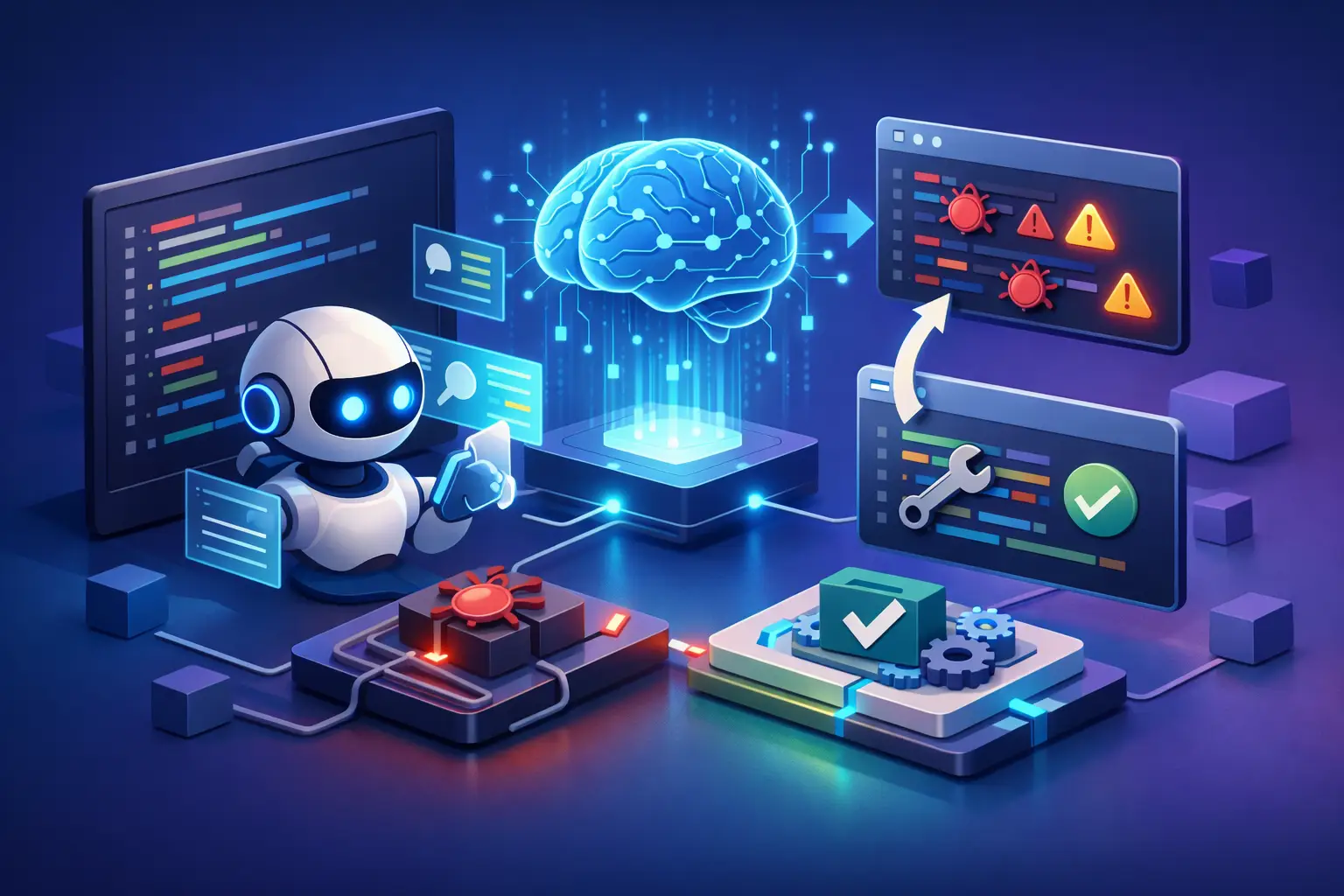
A pull request can look clean and still contain the bug that reaches production: a missing permission check, an edge case in a date conversion, or a database query that quietly grows expensive. An AI code analyzer can help surface these risks earlier by reading code in context, explaining what it sees, and giving developers a faster starting point for review.
That does not mean AI should approve its own fixes. Good software still depends on judgment, tests, and an understanding of the product’s real-world behavior. The useful role of AI is more practical: reduce the time spent finding suspicious code, clarify unfamiliar logic, and make careful review easier.
What an AI Code Analyzer Actually Does
An AI code analyzer examines source code and turns patterns into useful feedback. Depending on the tool and the information it receives, it may identify likely bugs, explain a function, suggest a refactor, flag security concerns, generate tests, or help trace how a value moves through an application.
Traditional static analysis tools are excellent at checking defined rules. They can enforce formatting, detect known unsafe functions, catch type mismatches, and stop code that violates a team’s conventions. AI analysis adds a different kind of assistance. It can reason in natural language about intent, point out confusing control flow, and discuss several possible fixes rather than only reporting a rule violation.
For example, consider a function that accepts user input, builds a query, and returns account data. A rule-based scanner may flag a possible injection risk if it recognizes a dangerous pattern. An AI system may also explain why parameterized queries are safer, notice that the route lacks authorization, and suggest test cases for malformed input and users from another organization.
The quality of that feedback depends on context. A single pasted function may produce useful observations, but an analyzer that can also inspect related files, error output, a screenshot of the interface, or a spoken explanation of the issue has more to work with. Code rarely fails in isolation.
Where AI Code Analysis Helps Most
AI is especially valuable when the task involves understanding rather than simply matching a rule. Developers joining an existing project can ask for a guided explanation of an unfamiliar module. Students can compare their implementation against the requirements they were given. Small teams can get a second set of eyes before a handoff.
It is often effective for four kinds of work:
- Explaining dense or legacy code in plain language
- Finding edge cases in validation, state changes, and error handling
- Suggesting focused unit and integration tests
- Reviewing a proposed change for readability, duplication, and likely side effects
The last point deserves care. A suggestion to simplify code is not automatically an improvement. A compact expression can be harder to debug. A broad refactor can create more risk than it removes. Ask the analyzer to explain the trade-off, not just provide a replacement.
AI can also make debugging less fragmented. Instead of switching between a terminal, a browser console, a screenshot tool, and documentation, you can present the evidence together. Show the error message, share the relevant code, and describe what you expected to happen. That gives the conversation a clearer foundation than a prompt such as, “Why is this broken?”
A Better Workflow for Reviewing Code With AI
The strongest results come from treating AI as a thoughtful review partner, not a one-click repair button. Begin with a narrow question and enough context to answer it. State the language, framework, expected behavior, and the exact symptom. If an error occurs only after a particular action, include those steps.
Next, ask for observations before asking for a patch. A useful prompt might be: “Review this checkout handler for security, correctness, and failure states. Separate confirmed issues from assumptions, and explain what additional files would change your confidence.” This encourages transparency instead of false certainty.
Then validate the answer against the codebase. Run the tests, inspect the diff, and check whether the recommendation matches your application’s rules. A generic suggestion may conflict with your authentication model, performance requirements, or accessibility standards.
Finally, keep the change small when possible. If AI identifies a possible null reference, fix that problem and add a test that demonstrates it. Do not turn a bug fix into a rewrite unless there is a clear reason to do so. Small, reviewable changes make it easier for people and tools to catch mistakes.
Ask for Evidence, Not Just Answers
The difference between a useful AI response and a risky one is often the request you make. Encourage the analyzer to cite the relevant function, condition, or data path in the code you supplied. Ask it to label uncertainty. Ask what would disprove its theory.
This matters because AI can infer intent that is not really present. It may confidently describe a variable as sanitized because its name suggests it, even though the implementation does not. It can also recommend an API that is outdated or unavailable in your version of a library. Evidence keeps the review grounded.
A good follow-up question is: “Which of these findings can you verify directly from this code, and which require checking configuration, database constraints, or other files?” That one question helps separate a real defect from a reasonable hypothesis.
The Limits You Should Expect
An AI code analyzer does not run your business logic in every possible environment. Unless it is connected to your tools and provided the right context, it cannot know your deployment settings, secret-management practices, production traffic patterns, or undocumented product decisions.
Security is a clear example. AI can spot common concerns such as unvalidated input, exposed credentials, insecure query construction, and missing authorization checks. It should not be the only security control. Use dependency scanning, secret detection, access reviews, testing, and human security expertise where the risk warrants it.
There is also a privacy decision behind every code review. Source code may include proprietary logic, customer identifiers, internal URLs, or credentials accidentally left in a file. Before sharing code with any AI service, remove secrets and understand what data is retained, who can access it, and how you can delete it. Privacy is not a footnote to developer productivity. It is part of responsible development.
Teams should also watch for style drift. If everyone accepts generated code without review, a project can accumulate inconsistent patterns and unnecessary dependencies. Establish conventions for when AI suggestions require tests, peer approval, or architectural review. The goal is not to slow people down. It is to keep speed from becoming expensive later.
Why Multimodal Context Can Change the Review
A code problem is sometimes visible before it is obvious in the source. A button may render incorrectly on a phone. A dashboard may show the wrong total after a filter changes. An error message in a terminal may reveal a mismatch that is hard to describe accurately by typing alone.
That is where a multimodal assistant can be helpful. You can show an interface, discuss the behavior by voice, provide the relevant code, and continue the same conversation as you test ideas. Visionika is designed around this more natural form of assistance: understanding what you show, hear, and describe while keeping conversational context available when it helps.
The benefit is not that visual input replaces code review. It gives the reviewer another source of evidence. A screenshot can clarify a layout problem. A live camera view can help identify a device-specific issue. Spoken context can capture the product intent behind a confusing interaction. Together, those details can lead to a more precise question and a more useful answer.
Choose the Right Level of Trust
Use AI freely for explanations, brainstorming test cases, identifying code smells, and drafting small alternatives. Raise the standard as the impact rises. Payment flows, health information, authentication, destructive database operations, and safety-critical systems deserve deeper human review and specialized controls.
The most valuable habit is simple: let AI help you see more, then verify what matters. When an analyzer makes its reasoning visible, acknowledges missing context, and fits naturally into your review process, it can turn a frustrating debugging session into a clearer next step.