Computer Vision: How AI Learns From What It Sees
Computer vision helps AI interpret images, documents, objects, and live scenes. Learn how it works, where it helps, and when to check its answers again.
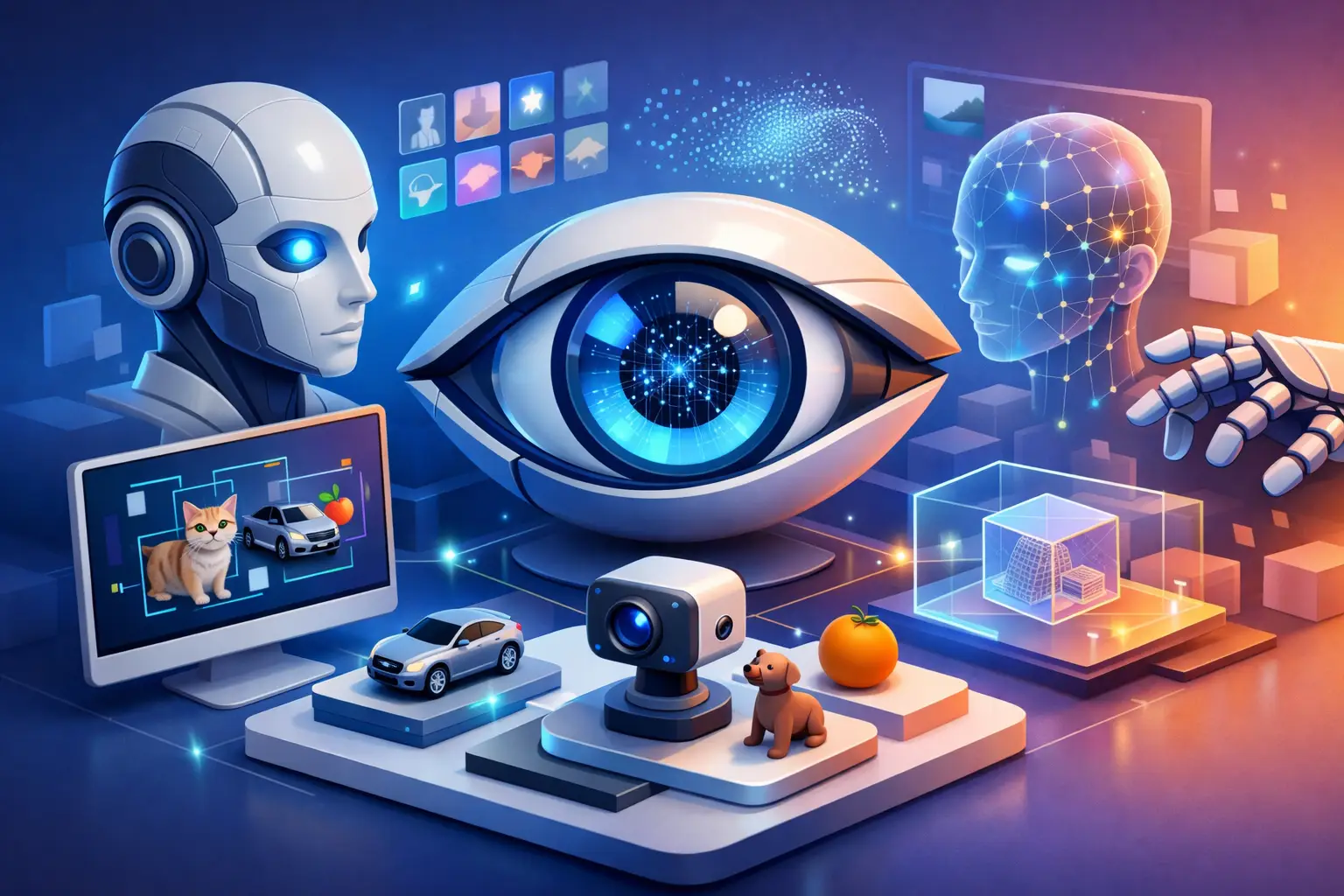
A camera can capture every detail of a restaurant menu, a broken appliance, or a crowded street. The harder task is making sense of it. Computer vision gives AI a way to interpret what appears in an image or live camera view, then respond in language that is useful to a person standing there.
That shift matters because much of daily life is visual. We read labels, notice warning lights, compare products, follow interfaces, and look for clues in our surroundings without consciously translating them into words first. A visual AI can make those moments easier to discuss, investigate, and act on.
What is computer vision?
Computer vision is a field of AI that helps software identify, describe, and reason about visual information. That information may come from a photo, a scanned document, a screenshot, a video, or a camera pointed at the physical world.
At its simplest, it can answer a question such as, “What is in this picture?” More capable systems can read text on a package, identify parts of an object, compare two images, explain a chart, recognize steps in an interface, or describe what is changing in a live scene.
The goal is not to recreate human sight exactly. Human vision is shaped by experience, attention, common sense, and context. AI works differently, using patterns learned from large amounts of visual and written data. Its results can be remarkably helpful, but they should be understood as informed interpretations rather than perfect perception.
From pixels to practical answers
Digital images are made of pixels, which are tiny units of color and brightness. A computer vision model processes relationships among those pixels to recognize patterns associated with objects, text, shapes, layouts, and actions.
But identifying an object is only one part of a useful interaction. If someone shows AI a control panel and asks why a light is flashing, the better response is not merely “there is a red light.” It is an explanation of what the symbol may mean, what details need checking, and whether the user should consult an official manual or a qualified professional.
This is where visual understanding becomes more natural when it is combined with conversation. The image provides evidence, while the question provides intent.
How computer vision works in everyday interactions
Most people do not need to think about models, datasets, or image processing to benefit from visual AI. What matters is the interaction: show something, ask a clear question, and use the response as a starting point for a decision.
A system may first detect broad elements in an image, such as a document, plant, appliance, table, or software window. It can then identify smaller details, including text, icons, buttons, ingredients, error messages, or visual relationships. Finally, a language model can turn those observations into an answer tailored to the question asked.
Context changes the quality of that answer. A photo of a medicine bottle may contain readable instructions, but an AI needs to know whether the user wants help locating dosage information, translating a label, or understanding a warning. A screenshot of code may show a syntax error, but the programming language, intended behavior, and surrounding files can affect the diagnosis.
Live camera input adds another dimension. Instead of taking one photo and starting over, a person can adjust the angle, show a closer view, ask a follow-up question, or point to a specific part. That back-and-forth is often more practical than trying to write a detailed description from memory.
Computer vision is more than image recognition
Image recognition is often used as a catchall term, but it describes only part of the picture. Recognition may label an image as containing a bicycle or a receipt. Computer vision can go further by locating the bicycle in a busy scene, reading line items on the receipt, comparing a product label with another image, or explaining what a dashboard indicator suggests.
Optical character recognition, often called OCR, is another related capability. It converts visible text into machine-readable text. OCR is useful for documents and signs, yet it does not necessarily understand what the text means. A visual AI that can read a lease agreement and explain a particular clause is combining text extraction with language understanding and context.
The distinction is worth knowing because the right tool depends on the task. If you only need a searchable scan, text extraction may be enough. If you need help interpreting a diagram, navigating an unfamiliar screen, or asking questions about what you are seeing, a multimodal AI experience is more appropriate.
Where visual AI is most useful
Computer vision is especially valuable when typing would be slow, uncertain, or incomplete. Students can show a diagram, worksheet, or page of notes and ask for an explanation of one concept. Creators can share a draft image or layout and discuss composition, readability, or possible improvements. Professionals can use screenshots to troubleshoot software, review a chart, or clarify a process.
At home, visual AI can help make sense of product instructions, organize information from a document, identify the controls on an unfamiliar device, or turn a handwritten list into something easier to work with. While traveling, it can help interpret signs, menus, and everyday objects in the moment.
These uses work best when the question is specific. “What is this?” can be a useful starting point, but “What does this symbol mean, and what should I check before using this appliance?” gives the system a clearer job. If accuracy matters, show the relevant area at high resolution, include nearby labels, and ask the AI to state what it can and cannot read.
What computer vision can get wrong
Visual AI can misread blurry text, overlook a small but critical detail, confuse similar objects, or draw too much meaning from an incomplete image. Lighting, reflections, camera angle, low resolution, and visual clutter can all affect the result. A system can also make a plausible-sounding inference that is not supported by what is visible.
That does not make the technology unhelpful. It means confidence should match the stakes. For casual tasks, such as identifying an interface icon or summarizing a flyer, a quick answer may be all that is needed. For medical, legal, financial, safety, or high-consequence repair decisions, treat AI as a guide for understanding information, not the final authority.
A good habit is to ask the system to point out the visual evidence behind its answer. You can also ask what details are unclear, request alternatives, or take another image from a different angle. These small checks make the conversation more transparent and reduce the chance of acting on an incorrect assumption.
The role of privacy and user control
Showing AI the world around you can be deeply useful, but images may also include personal information: faces, addresses, private messages, documents, or details inside a home or workplace. Before sharing an image, consider what is visible beyond the item you want help with. Cropping sensitive sections or covering personal details can be a sensible first step.
The service you choose should also make its data practices understandable. Clear controls over conversation history matter, particularly when visual questions are part of an ongoing assistant relationship. Users should be able to decide what they keep and what they delete.
This is part of why multimodal AI should feel user-directed rather than intrusive. The camera is most useful when it opens a conversation on your terms: you decide what to show, what to ask, and what context remains available later.
A more natural way to ask for help
For people who want to speak naturally while showing what they mean, computer vision becomes less like a separate feature and more like a new interface. Visionika brings live visual input, voice conversation, text, and contextual memory together so a question can continue beyond a single image or prompt.
That continuity is valuable in ordinary moments. You might begin by showing a document, ask for a plain-language explanation, then return later with a related question. Or you may point your camera at an object and talk through what you are trying to accomplish instead of searching for the exact words to describe it.
The best visual AI interactions are not about replacing attention or judgment. They are about giving people a calmer, more capable way to understand what is already in front of them. When something is unclear, show the relevant detail, ask the question you actually have, and keep enough healthy skepticism to verify what matters.