What a Multimodal AI Assistant Can Really Do
A multimodal AI assistant sees, hears, and responds in context. Learn how it works, where it helps, and what privacy controls should matter most to you.
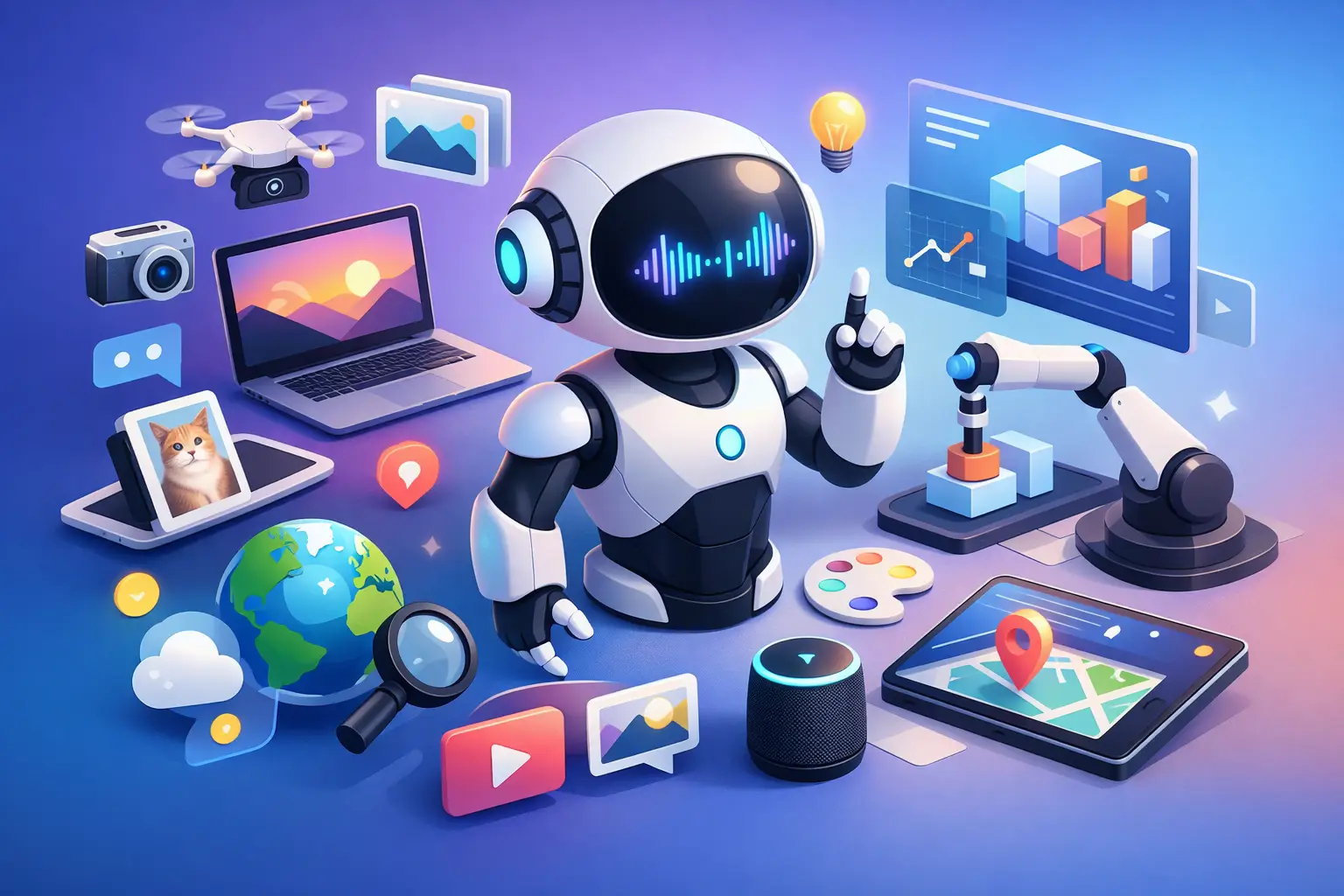
A text chatbot can answer a question about a photo only after you describe the photo. A multimodal AI assistant changes that interaction: you can show it the image, speak your question, point your camera at the relevant detail, and continue the conversation without starting over. The result is not magic or mind-reading. It is a more direct way to ask for help when words alone leave out the context that matters.
For many everyday questions, context is the difference between a generic answer and a useful one. If a plant has yellowing leaves, a typed prompt may produce broad advice. Showing the leaves, pot, soil, and light around the plant gives an assistant more to work with. The same principle applies to a confusing error message, a printed form, a menu in another language, or an unfamiliar setting on a device.
What is a multimodal AI assistant?
A multimodal AI assistant is an AI system that can understand and respond through more than one type of input and output. Those modes may include text, voice, images, documents, live camera views, and spoken responses.
Rather than treating each interaction as a separate task, a well-designed assistant can combine signals. You might say, “What does this section mean?” while showing a document on camera. Or you might upload a screenshot, ask a follow-up question by voice, and receive an answer aloud while you keep your hands free.
“Multimodal” does not simply mean an app has a microphone and an image upload button. The real value comes from connecting those inputs in a single conversation. The assistant needs to understand that your spoken “this button” refers to the button visible in the image, and that your next question relates to what you showed a moment ago.
Why text alone is often not enough
Text remains one of the best ways to ask precise questions, write instructions, and work through detailed ideas. But it asks people to translate the physical and visual world into descriptions first. That translation can be slow, incomplete, or difficult when you do not know the right terminology.
Consider a few familiar situations. A student can photograph a chart and ask what trend it shows. A traveler can hold up a sign and ask for an explanation. A developer can share a code screenshot and ask where the logic may be failing. A shopper can show an appliance label and ask what a symbol means.
In each case, visual input gives the assistant a shared point of reference. Voice then makes the interaction feel less like composing a prompt and more like asking a capable person nearby. Text can still be useful when accuracy, names, numbers, or a record of the answer matters most.
The best mode depends on the moment. Voice is convenient while walking or cooking, but a quiet office or public space may call for text. A camera can clarify an object or interface, but it should not be used to capture sensitive information casually. Natural interaction should include choice, not pressure to use every feature at once.
How a multimodal AI assistant works in practice
From the user’s perspective, the process should feel straightforward. You share what is relevant, ask what you need, and refine the answer if necessary. Behind that simple exchange, the assistant interprets the available information and uses it to frame a response.
It connects what you show with what you say
Suppose you are looking at a utility bill and ask, “Why is this higher than last month?” An assistant may identify the visible line items, compare amounts, and explain the likely reason based on the document. It cannot know facts that are not shown, such as a change in household habits, but it can help you understand the information in front of you and identify the right next question.
That distinction matters. A helpful assistant should be clear about what it can observe, what it is inferring, and where confirmation is needed. For higher-stakes subjects such as health, law, finance, or safety, it should support understanding rather than present itself as a final authority.
It supports a conversation, not just a one-time answer
Many useful requests have follow-ups. After asking about a document, you may want a plain-language explanation, a summary of deadlines, or help drafting a reply. After showing an unfamiliar interface, you may ask which setting controls notifications or why an option is unavailable.
Contextual memory can make those exchanges more natural by retaining relevant details from earlier in the conversation. Instead of repeating your goal every time, you can build on it. This is particularly valuable when planning, learning, troubleshooting, or working through a task over several sessions.
Memory should also be selective and under the user’s control. Remembering context can be useful; retaining everything forever is not automatically better. People should be able to review, manage, and delete their conversation history, especially when conversations include personal, visual, or spoken information.
It can meet you across devices
Questions do not always begin and end on one screen. You might upload a document from a laptop, continue by voice on a phone, then return to the written explanation later. Cross-device continuity makes an assistant more practical because it follows the task, not just the device.
This capability has limits. A conversation should not continue in a way that surprises the user, and people should know when prior context is available. Clear controls create confidence without requiring users to become experts in how the system stores information.
Where multimodal assistance is most useful
Multimodal interaction is especially helpful when the question involves something visible, audible, or difficult to describe. It can support everyday understanding without turning every moment into a complicated workflow.
For learning, an assistant can explain a diagram, help interpret notes, talk through a practice problem, or compare two versions of an assignment. For work, it can help summarize a slide, clarify a dashboard, review an interface, or discuss code and documentation. For daily life, it can identify the likely purpose of an object, explain a product label, translate visible text, or help organize the next step in a task.
Creative work benefits too. Showing a sketch, mood board, draft layout, or reference image can lead to more grounded feedback than a text-only description. The assistant may suggest directions, identify visual patterns, or help turn a rough idea into a written brief.
Still, visual understanding is not a guarantee of perfect recognition. Blurry images, poor lighting, occluded details, ambiguous objects, and small text can lead to errors. The most effective approach is collaborative: show a clear view, state your goal, and correct the assistant when it misreads the situation.
Privacy is part of the experience
A camera-and-voice assistant handles more personal context than a conventional search box. That raises practical questions: What is stored? For how long? Can you delete it? Is the camera or microphone active only when you choose? Can you control what follows you across devices?
These are product experience questions, not fine print. A useful assistant should make its privacy choices understandable and give people meaningful control. Before sharing a document, screen, or camera view, pause if it includes account numbers, private messages, identification, passwords, or another person’s information. Crop, cover, or omit details that are not needed for the question.
Visionika is built around this more human form of interaction while keeping user control central. It combines live visual input, voice, text, and conversational context, with options to manage and delete stored conversation history. That balance matters because a more present assistant should also remain clearly within the user’s control.
Choosing the right assistant for the task
If you mostly draft emails, write code, or research topics from a keyboard, a text-first tool may be all you need. If your questions regularly begin with something you can see, hear, or point to, multimodal capability can remove friction and make help more immediate.
Look beyond a feature checklist. Ask whether the assistant understands follow-up questions across formats, whether spoken interaction feels comfortable, whether context can continue when it is helpful, and whether privacy controls are clear. Also consider the pricing model. For occasional use, prepaid credits may suit your habits better than a recurring subscription. For frequent, predictable use, a subscription may be simpler.
The most useful AI is not the one that demands the perfect prompt. It is the one that lets you bring the real situation into the conversation, then gives you a clear next step.