What an AI Camera Assistant Can Actually Do
An AI camera assistant uses live visual context to answer practical questions, explain what you see, and keep help close when your hands are busy at home.
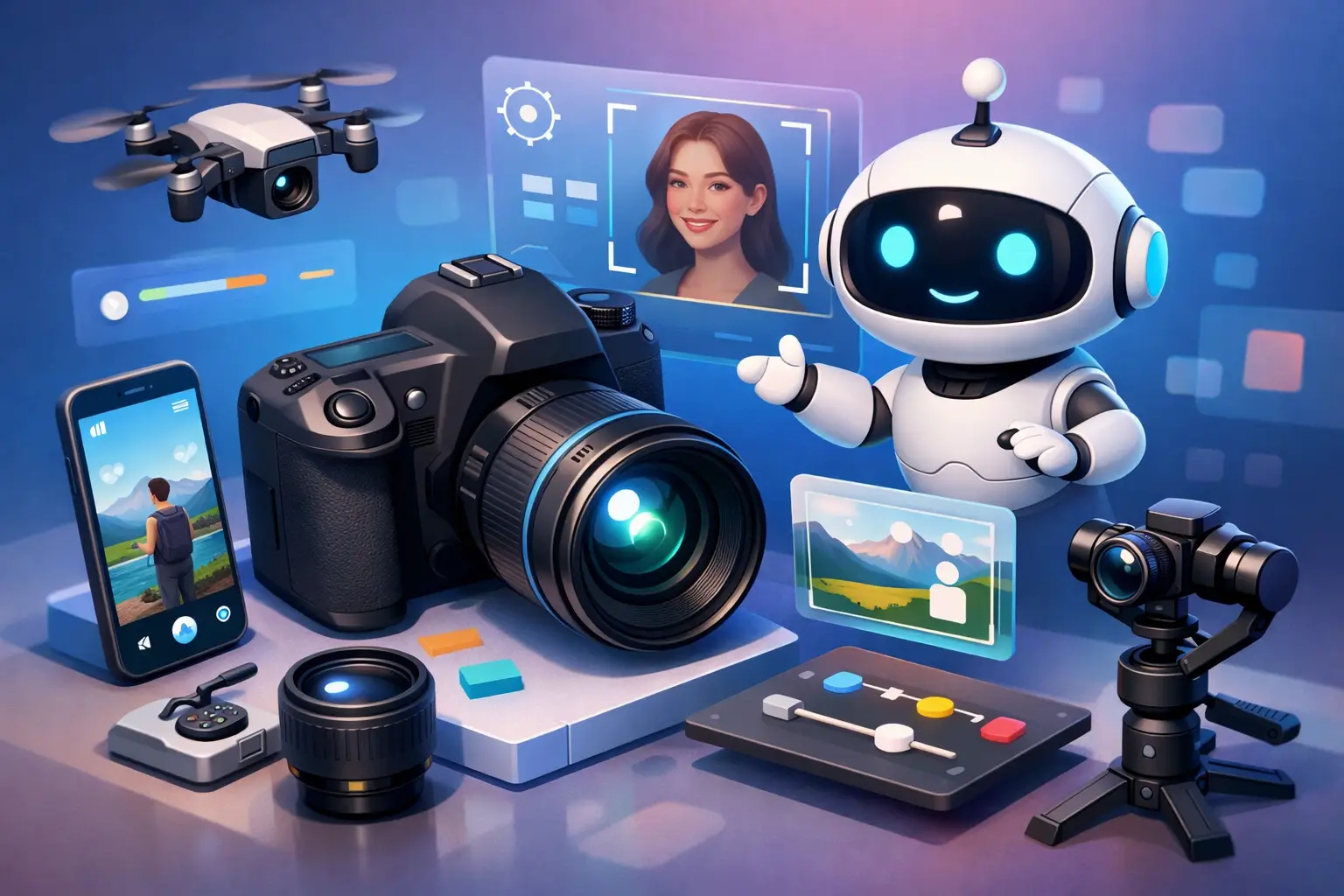
A confusing appliance panel, a restaurant menu in another language, a spreadsheet that does not quite make sense - these are moments when typing a careful prompt can feel slower than simply showing someone what is in front of you. An AI camera assistant makes that possible: you point your camera at a real-world scene, object, document, or screen and ask for help in natural language.
The appeal is not just that AI can recognize an image. It is that visual context can become part of a conversation. Instead of describing every detail from memory, you can ask, “What does this button do?” or “Can you explain this chart?” while the assistant can see what you mean.
What is an AI camera assistant?
An AI camera assistant is an artificial intelligence tool that interprets images or live camera input and responds to questions about what it sees. Depending on the product and the situation, it may identify visible objects, read text, describe a scene, compare details, explain an interface, or help you reason through a task.
Traditional camera features tend to have a narrow purpose. A barcode scanner returns a code. A document scanner turns paper into a file. Visual AI is broader because it can use the image as context for a question. You are not limited to asking, “What is this?” You can ask what something is for, what the instructions mean, which details matter, or what to do next.
That distinction matters. Recognizing that a device is a thermostat is useful. Explaining which setting controls the fan, based on the exact panel in view, is more practical. The quality of that help depends on camera clarity, lighting, the complexity of the task, and whether the assistant has enough context to interpret what it sees correctly.
How an AI camera assistant works in practice
The experience is usually straightforward. You open a camera view, frame the subject, and speak or type a question. The AI examines visible information such as text, layout, objects, colors, and relationships between items. It then gives a written or spoken response based on the image and your request.
Live camera input can make this feel more natural than sending a single photo. If the first angle is unclear, you can move closer, turn the object over, pan to a label, or ask a follow-up question. The interaction becomes less like a search query and more like asking a helpful person to look with you.
Still, camera input is not a substitute for certainty in every setting. A visual assistant can misread small print, misunderstand a partially blocked object, or make an incorrect inference from an ambiguous image. For medical, legal, financial, safety-critical, or emergency decisions, use it as a source of general orientation rather than final authority. Verify important details with qualified professionals and official instructions.
The question shapes the answer
A good question gives visual AI a useful job. “What am I looking at?” may provide a general description. “Which cable should connect to this port?” or “Summarize the warning label in plain English” gives the assistant a clearer direction.
Specificity is especially helpful when several things appear in frame. Point to the item, center it in the camera, or describe its location: “Explain the blue icon in the upper-right corner.” These small cues reduce guesswork and often produce a more useful answer.
Everyday situations where visual help is useful
An AI camera assistant earns its place in the small moments that interrupt a day. It can read and explain a package label while you are cooking, help identify the controls on an unfamiliar machine, or translate visible text for basic understanding. Students can use it to discuss a diagram, a handwritten note, or a problem they are working through. The value is not in replacing thinking, but in removing friction when information is already visible.
For professionals and creators, the same idea applies to digital work. Show the assistant a dashboard, design mockup, code error, or settings screen and ask for an explanation of what is visible. This can be useful when you need a second set of eyes, want to turn a dense interface into plain language, or need help organizing your next step.
Visual assistance can also support accessibility and independence. Someone may prefer to ask aloud what is on a label rather than zooming in and reading tiny text. A person learning a new environment can ask about signs, objects, or instructions around them. Results will vary with image quality and the assistant's capabilities, but the interaction model itself is more direct than trying to translate a visual scene into words first.
AI camera assistant versus image search
Image search and visual AI overlap, but they solve different problems. Image search is often designed to find matching products, landmarks, or related pages. It can be excellent when your goal is discovery or identification.
An AI camera assistant is better suited to interpretation and dialogue. Rather than receiving a list of results, you can ask why a symbol appears, what a document says, or how two visible options differ. You can then continue the exchange without restarting from scratch.
The best choice depends on the task. Use search when you want sources, shopping options, or broad research. Use a conversational visual assistant when the object or screen in front of you needs an explanation tailored to your immediate question. In many cases, people will use both.
What to look for before using one
Camera access creates a reasonable privacy question: what happens to what you show the AI? Before using any visual assistant, review how it handles images, voice recordings, and conversation history. Look for clear controls that let you view, manage, and delete stored conversations. Also consider where you are using it. Avoid showing personal documents, account numbers, private messages, other people's faces, or confidential work materials unless you understand the service's policies and have permission.
Interaction quality matters as much as visual recognition. A camera feature that only accepts snapshots may be enough for occasional questions. If you want ongoing help while examining something, a product that combines live visual input with natural voice conversation can be more comfortable. Contextual memory can be useful too, because it allows the assistant to retain relevant details from the discussion rather than forcing you to repeat them.
Visionika is built around this more continuous model of interaction, combining camera understanding with voice, text, and user-managed conversational context across web and mobile. For someone who wants an assistant to feel present during a task, that combination can be more useful than treating every image as an isolated upload.
Getting better results from your camera
Clear visual input is the simplest way to improve an answer. Use good lighting, steady the camera, and bring small text close enough to be legible. When a document is long, show one section at a time rather than expecting the assistant to interpret several pages at once.
It also helps to state your goal before asking for details. If you are looking at a user manual, say whether you want a summary, step-by-step setup help, or an explanation of a specific warning. If the answer seems uncertain, ask the assistant to identify what it can and cannot read. That creates a better basis for deciding whether to take another photo, change the angle, or verify the information elsewhere.
There is a human skill here as well: knowing when visual context is enough and when it is not. A camera can show the ingredients on a package, but it cannot know your health history. It can point out a crack in an object, but it cannot certify that the object is safe to use. Thoughtful use means treating the assistant as a capable guide, not an invisible expert with perfect knowledge.
The most useful camera assistance does not make the world more complicated. It lets you stay with the object, screen, or moment in front of you, ask a clear question, and move forward with a little more understanding.